Edit Webhook
2 min
Edit Webhook : You can update the webhook URL, the alert email, and add or remove events by editing your webhook. To edit webhooks:
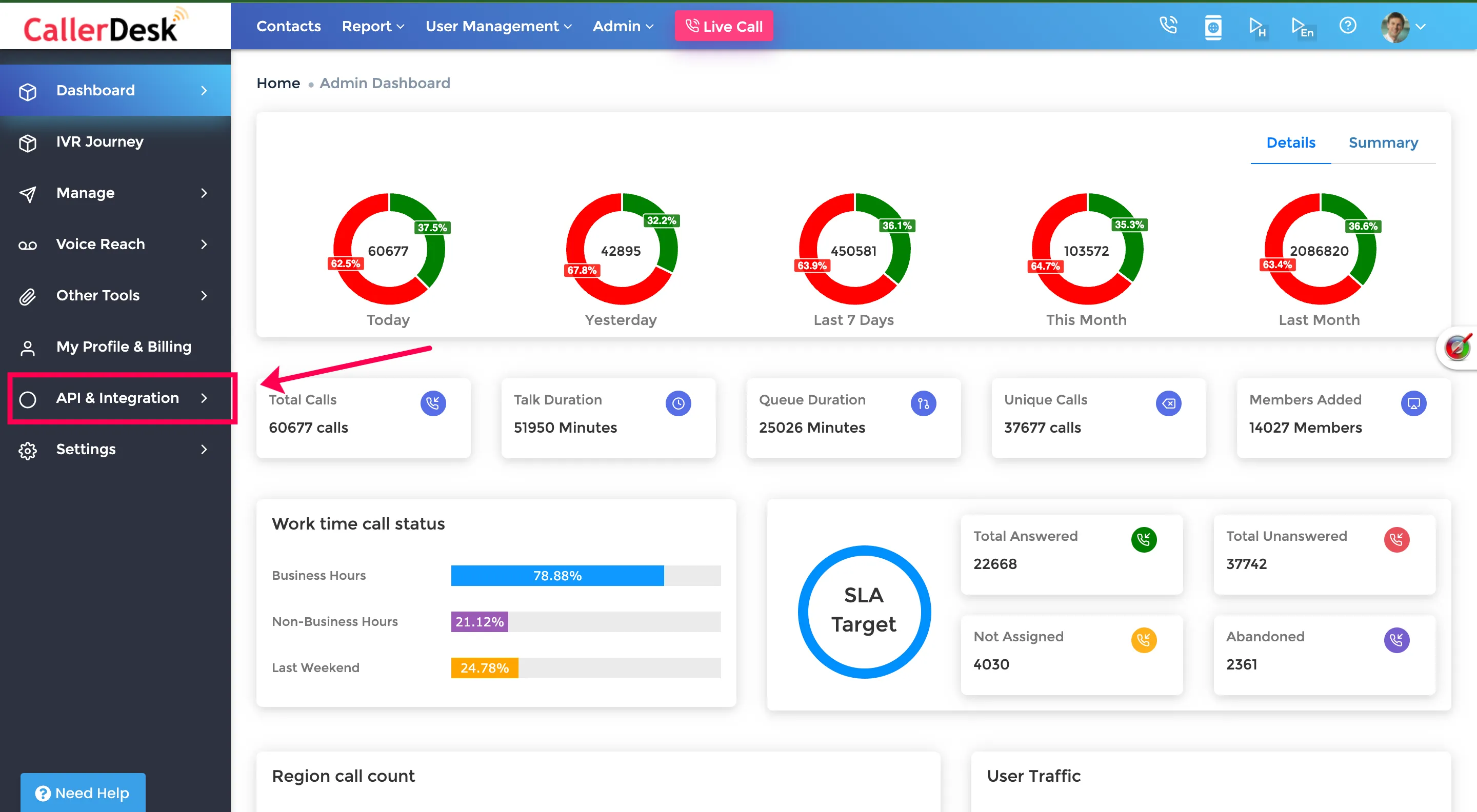
- Log onto the CallerDesk Dashboard to configure webhooks and select and navigate to Dashboard → API & Integration → Webhooks.
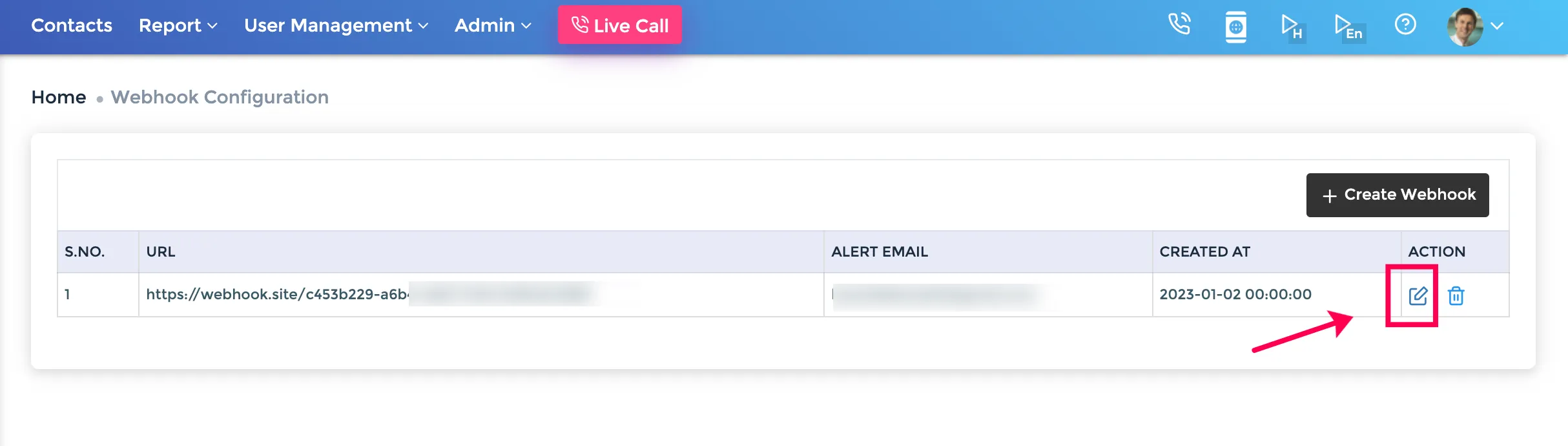
2. Select " Edit Webhook" icon from the list of saved webhooks.
3. The Webhook Setup pop-up window appears. You can alter the following:
- Webhook URL
- Alert Email
- Active Events
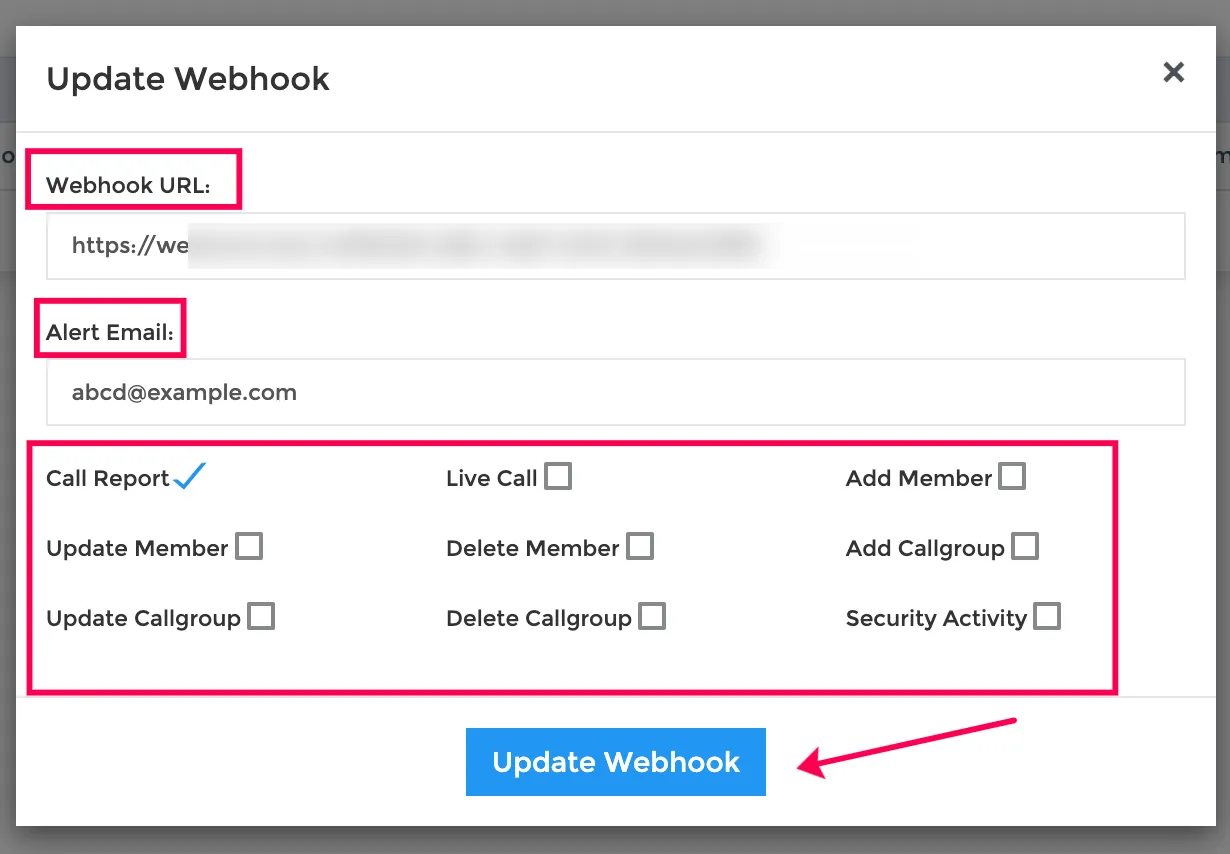
Click update webhook to save changes.